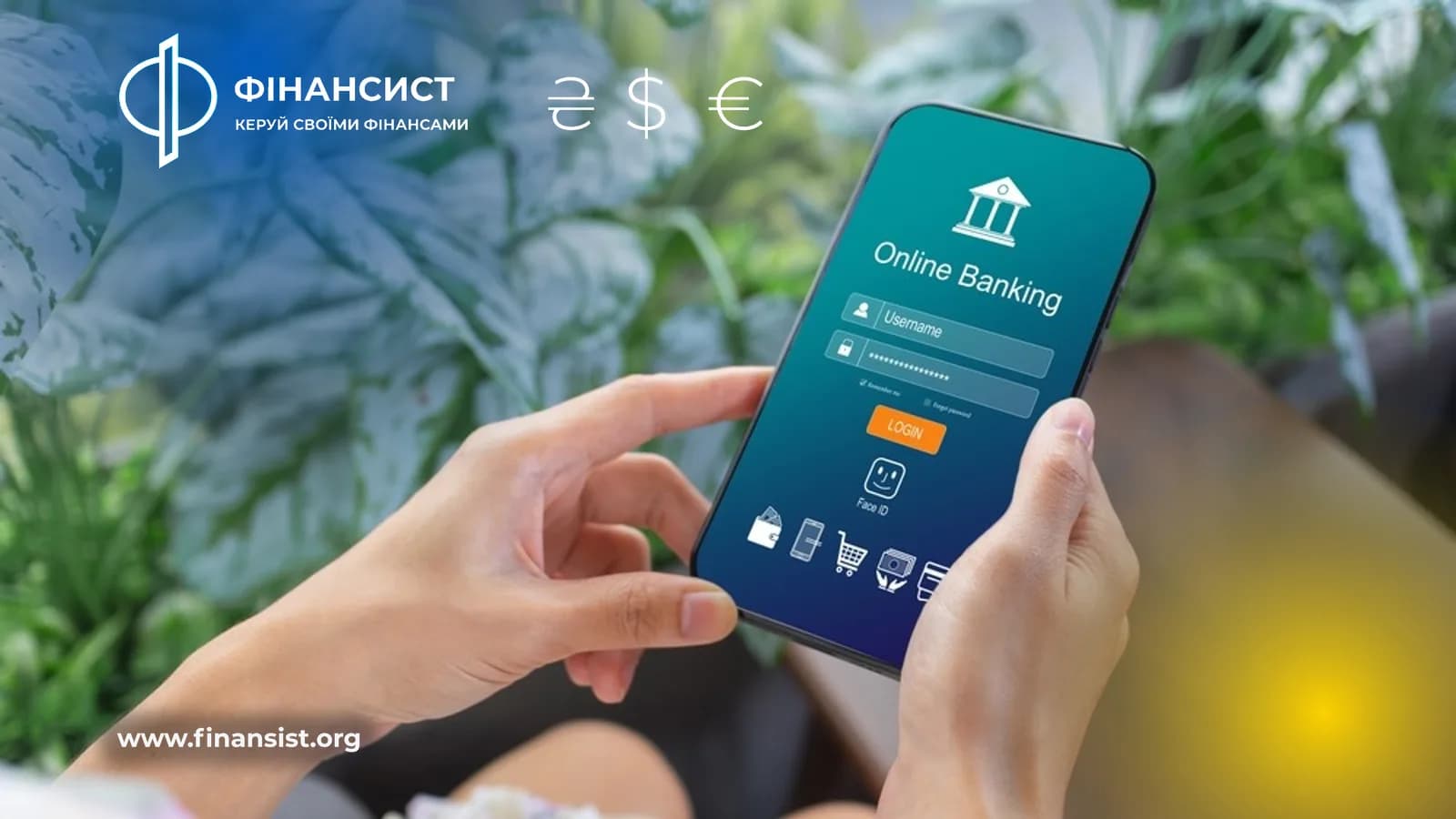
The bank application is no longer an additional convenience, but the main way to manage money: transfer funds, open a deposit, pay a utility bill or close a currency transaction without going to a branch. I will tell you how the applications of the largest Ukrainian banks differ and what to look for if you plan to change the main bank or simply choose a second card for various tasks.
What to look for when choosing a banking application
Before comparing specific banks, it is worth determining what exactly you need from the application on a daily basis:
The speed of transfers between your cards and to other people's details, including transfers by phone number.
Convenience of currency exchange directly in the application - without going to the cash desk or to the exchanger, current exchange rates can be checked in advance on currency exchange page.
Possibilities for FOP: separate office, PRO/PRRO, automatic reporting.
Cashback and bonus programs that really pay off card maintenance.
24/7 chat support and fast card blocking in case of suspected fraud.
Privat24 is the largest ecosystem
Privat24 is an application with the largest number of built-in services on the market: from paying utilities and fines to buying insurance policies and bonds. For FOP, there is a separate extended functionality - work with PRO, automatic reports, integration with services such as Vchasno.pay for electronic document management. Minus - due to the variety of functions, the interface may seem overloaded to those who only need basic operations.
monobank - speed and simplicity
monobank made a bet on minimalism: the application opens an account in a few minutes, has an understandable credit limit on the card and one of the simplest currency exchange interfaces - buying and selling with one touch at the exchange rate that the bank updates during the day. There is a separate product for FOP with its own account, although in terms of depth of reporting it is still simpler than Privat24.
Sens Bank, Oschadbank, Ukrsibbank, Raiffeisen Bank, A-Bank
The State Savings Bank and Ukrsibbank have been actively updating their applications in recent years, adding biometric login and simplified transfers, but they traditionally lag behind monobanks in terms of the speed of new features. Raiffeisen Bank maintains a balance between conservatism and convenience - the application is stable, with good support for business clients. Sens Bank, where the supervisory board recently was headed by the former head of PrivatBank, is gradually redesigning the application to standards similar to Privat24. A-Bank remains a niche player with a focus on credit products and simple transfers.
Comparing apps by key features
Bank
Currency exchange in the application
Cabinet for FOP
Deposits online
Chat support
PrivatBank (Privat24)
There is
Expanded
There is
24/7
monobank
There is
Basic
There is
24/7
Sense Bank
There is
Basic
There is
During working hours
Savings Bank
There is
Basic
There is
During working hours
Ukrsibbank
There is
Basic
There is
During working hours
Raiffeisen Bank
There is
Expanded
There is
During working hours
A-Bank
Limited
There is none
There is
During working hours
A complete list of banks and their conditions with links to tariffs can be found in the section banks on the website.
Security: what to pay attention to regardless of the bank
Whichever app you choose, a few safety rules are the same for all:
Login only through the official application from Google Play or App Store, never through the SMS link.
Biometric login (fingerprint or Face ID) instead of a simple PIN code.
A separate limit for online transfers that can be temporarily increased just before a big operation.
Instant push notification of any transaction - if you received a message about a transfer that you did not make, block the card directly in the application without waiting for the operator to call.
It is also worth remembering that the funds in the accounts are insured: the details of what exactly guarantees FGVFO and up to what amount, it is worth knowing even before you decide in which bank to keep the main savings.
Which application to choose for your tasks
If the main thing is speed and a minimum of extra steps, monobank remains the easiest option for daily transactions. If you need the maximum functionality in one place, including insurance, investments and an extended FOP account, Privat24 is still the most complete. For a business that actively works with cashless payments and recently fell under the new rules, it is worth considering that Since November 14, banks have reduced transfer limits for new FOPs, so it makes sense to check the conditions with your bank in advance before large transactions. State banks such as Oschadbank remain a reasonable choice for conservative customers who value reliability rather than the speed of introducing new features.
Frequently asked questions
Is it possible to have multiple bank applications at the same time and is it safe?
Yes, and this is even a useful practice: one bank for daily expenses and cashback, the second - for savings or currency transactions. It does not harm security if each application is protected by a separate biometric login and you do not save passwords in the notes of the phone.
Why is the currency exchange rate in the bank application different from the NBU rate?
The NBU rate is an official reference rate, according to which banks are not obliged to sell or buy currency. Each bank sets its own buying and selling rate with a difference (spread) that covers its costs and risks. You can compare exchange rates of different banks in real time on the page comparison of exchange rates.
What to do if the bank application freezes or does not work during an important payment?
First check your internet connection and try to restart the application - most failures are short-term. If the payment is critically urgent, use Internet banking through a browser or call the bank's support - the number is always available on the back of the card. Banks usually notify about planned technical interruption in advance through push notifications or official channels.