Your bank's "security officer" calls you, calmly calls your name and says that they are trying to debit your card. Next, you only need to "confirm" a few data. This article will help you recognize such a call in a minute and understand what to do in each of the typical situations.
Why this scheme still works
Fraudsters don't break banking systems, they break people. They need your panic: when it seems like the money is disappearing right now, critical thinking shuts down. Therefore, the scenario is almost always the same: urgency, pressure from authority and a request for an action that the bank never asks for.
Criminals often take a name, part of a card number, or even an account balance from database leaks, phishing forms, or previous fraudulent attempts. So the fact that the "employee" knows your data does not prove anything.
Fresh scripts that are currently in progress
1. "Someone takes out a loan in your name"
You are told that they are trying to take a loan or withdraw money from you, and offer to "save" the funds by transferring them to a "protected account". In fact, it is a fraudster's account or card, often issued for an impersonated person.
2. "Suspicious operation, dictate the code"
They are asked to name the code from SMS, CVV, card validity period or password from the application. This is enough to confirm the payment or bind your card to someone else's device.
3. "Install a program for protection"
They offer to install an application for remote access to the phone "to check security". After that, the fraudster sees the screen, the codes and conducts transactions in your banking.
4. Reassignment to the "police" or "National Bank"
After the first call, the "bank employee" switches you to an alleged investigator or representative of the regulator. The second "authoritative" person removes the remaining doubts. This is a classic chain of trust trick.
5. Phishing links in the messenger
The message "your card is blocked" or "confirm delivery" with a link to a site that copies a bank or marketplace. Data entered on such a page immediately goes to fraudsters.
Signs that it is not the bank calling you
- Time pressure: "you need to act within a few minutes."
- Please enter a code from SMS, CVV, PIN or password. A real bank never asks this.
- An offer to transfer money to a "safe" or "reserve" account.
- Please install the remote access program.
- Prohibition to hang up or call back: "the conversation is being recorded, do not be distracted."
- A call in the messenger or from a number that only looks like a bank number.
One such sign is enough to stop the conversation. You don't have to wait until you have a few.
What to do during a call
- Hang up the phone. Politeness is not needed here, the fraudster does not expect it.
- Dial the number printed on the back of the card yourself, or open a chat in the bank's official application. Do not call back the number you just called.
- Ask if there really were any suspicious transactions. In the application, they are visible without any conversations on the phone.
- If you're worried, temporarily block your card right in the app: it takes a few seconds and costs nothing.
What distinguishes a real bank from a fraudster
If you have already named the data or installed the application
Act quickly, every minute counts:
- Immediately call the bank on the official number and block the card and access to the application.
- Remove the remote access program, change passwords for banking, mail and messengers.
- Submit an application to the bank to appeal transactions. The earlier, the more chances to stop the payment.
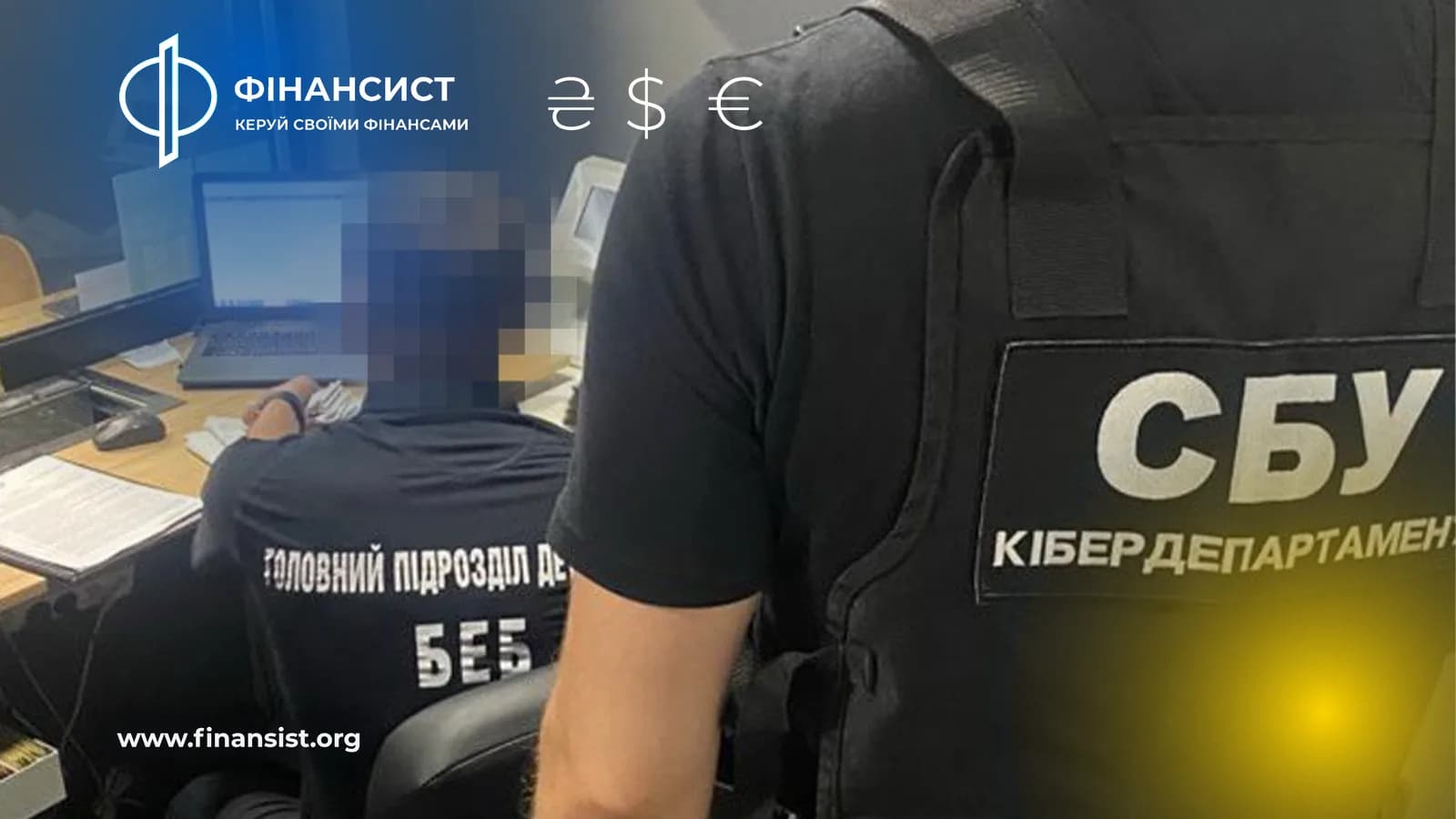
- Contact the cyber police with a description and account numbers to which the money went.
Refunds are not guaranteed, especially if you confirmed the transaction yourself. Therefore, prevention is cheaper than any "rescue".
Basic hygiene that covers most risks
- Keep a separate card for everyday expenses with a small amount, and the main funds in an account that does not have a card.
- Set limits on online payments and in-app transfers.
- Turn on notifications for each transaction.
- Do not follow links from messages, but open the site or application yourself.
- Explain the scheme to parents and older relatives, they are often the target.
When choosing where to keep money, pay attention not only to interest, but also to protection tools: limits, instant blocking, notifications. You can compare banks on the page banks, and at the same time remember how they work transfers between own accounts and their limits: this gives a good indication of how much the fraudster will be able to withdraw at once.
Read current news about the banking sector in the section news.
Frequently asked questions
Can the bank itself call me?
Maybe, for example, to clarify a suspicious operation. But a real employee does not ask for codes, CVVs or PINs and does not offer to transfer money somewhere "for safety". When in doubt, end the call and dial the bank yourself.
Does the bank return the money if I entered the code myself?
It is usually more complicated: the transaction is confirmed by your data, and the bank often considers this a violation of security rules. The decision depends on the terms of the contract and the circumstances. Therefore, immediately contact the bank with a statement and the cyber police.
How to understand that the link is phishing?
Check the site address: small errors, strange domains, lack of familiar design. It is most reliable not to follow links from messages, but to open a bank or service through the official application or bookmark.